Point Of Sale
A POS system allows your business to accept payments from customers and keep track of sales. It sounds simple enough, but the setup can work in different ways, depending on whether you sell online, have a physical storefront, or both.
Point Of Sale
What is a POS and How does a POS system work at a small business?
A POS system allows your business to accept payments from customers and keep track of sales. It sounds simple enough, but the setup can work in different ways, depending on whether you sell online, have a physical storefront, or both.
A point-of-sale system used to refer to the cash register at a store. Today, modern POS systems are entirely digital, which means you can check out a customer wherever you are. All you need is a POS app and an internet-enabled device, such as a tablet or phone.
How do you setup your Point-Of-Sale Device?
Our POS solution is based on a simple setup process, that includes the following steps:
- Activating the service - using VAS Enable command to our API.
- New terminal and device requests are generated - this process can take up to 5 business days.
- Pairing the device - will be completed by PayMe - a callback will be sent to the partner with the device ID - this ID is critical in order to create new payment requests specificing the device as a part of the API request to Sales endpoint. The callback with the device ID will include both POS (device) ID and MPL for identification.
- Physical Devliery - The Device shipping date will be scheduled by the Shipping company and the seller - Once the device is received, it will be immidiately ready for action with the switching on action.
Payment Processing
In the moment the device is received by the seller, it is immidiately ready to process payments.
The request for new payments is initiated by our sales API endpoint, using the following request:
{
  "seller_payme_id": "string",
  "product_name": "string",
  "sale_price": 0,
  "currency": "USD",
  "transaction_id": "string",
  "sale_callback_url": "string",
  "payment": {
    "method": "pos",
    "pos_id": "string"
  },
  "customer": {
    "name": "string",
    "email": "string",
    "phone": "string",
    "zip_code": "string",
    "social_id": "string"
  },
  "language": "he"
}
Bear in mind that without a POS ID you will not be able to send the payment request to the device.
The sale will be then sent to the device.
Flow of Payment
1. The Payment is sent to the device after using Sales API Endpoint
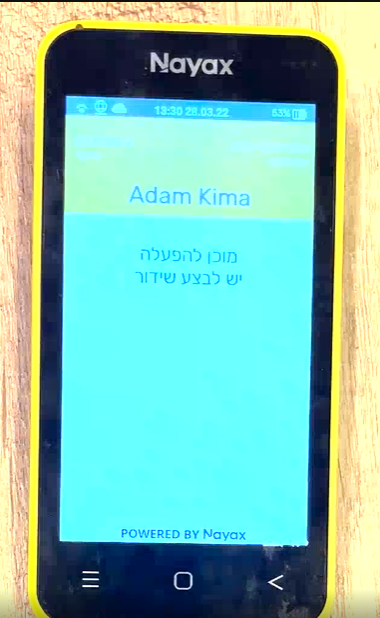
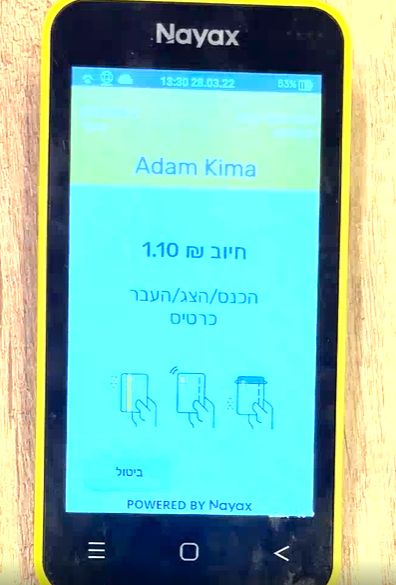
2. The Payment is then paid by the buyer
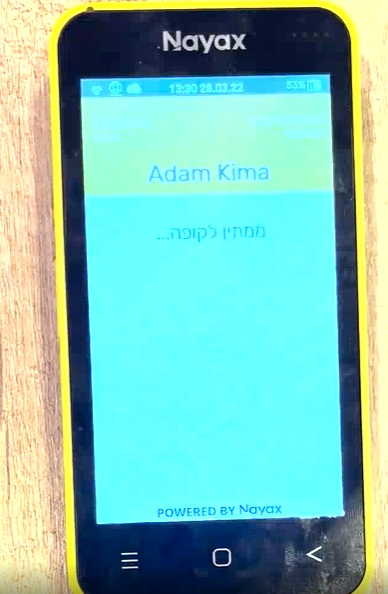
3. Pending Approval from the Credit Company
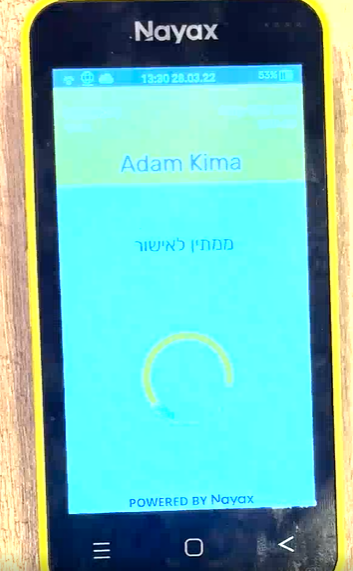
4. Payment confirmed
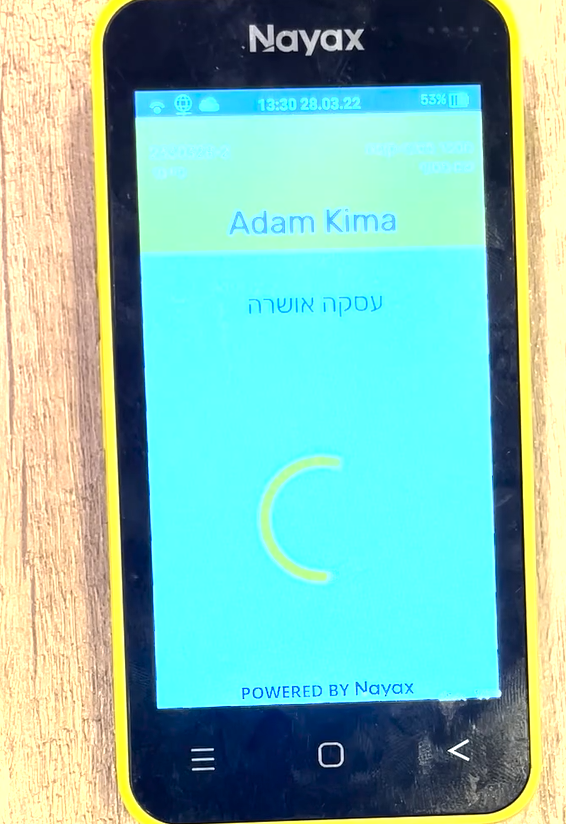
5. Payment is deposited
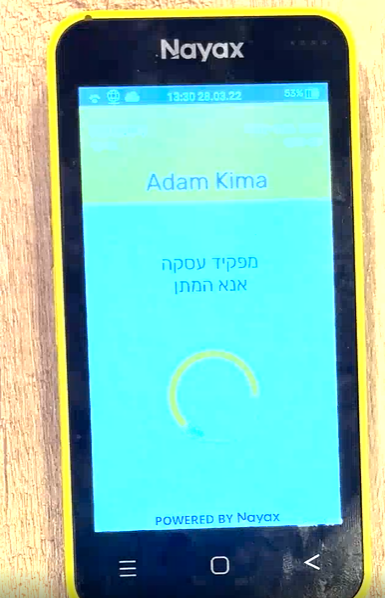
6.. Final Confirmation
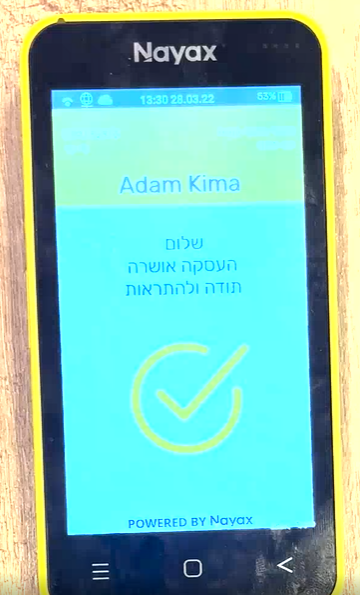
Once the payment is confirmed, the sale and transaction status will be updated to sale_status = completed and transaction_status = validated and can be accessed via get-transactions or get-sales API endpoints to further information fetching.